Voice chat
One sentence, three things saved
Say “eye exam Friday at 8:30, remind me Thursday night, parking is on B2” and the event, the reminder and the note each land in place.
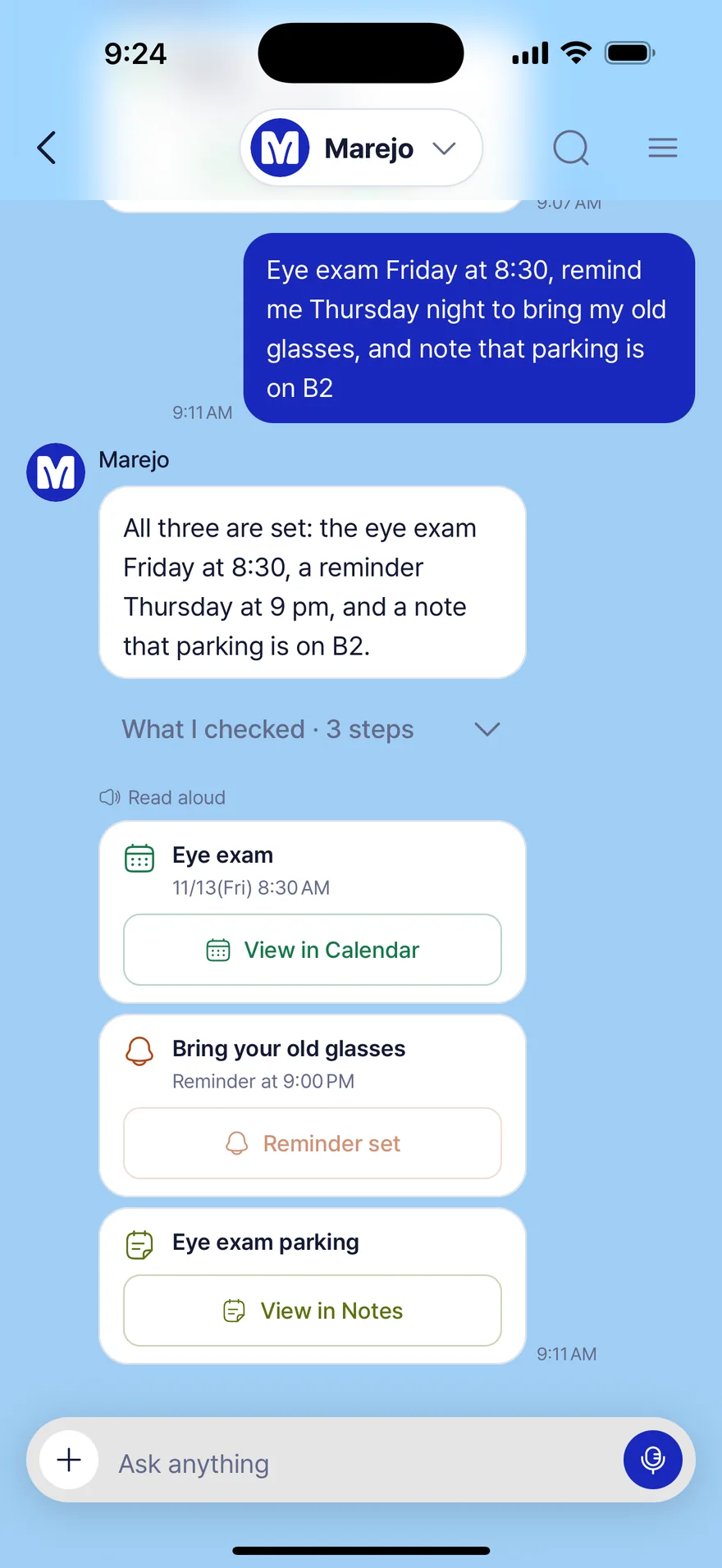


Talk the way you would to a good assistant.
Say “eye exam Friday at 8:30, remind me Thursday night, parking is on B2” and the event, the reminder and the note each land in place.
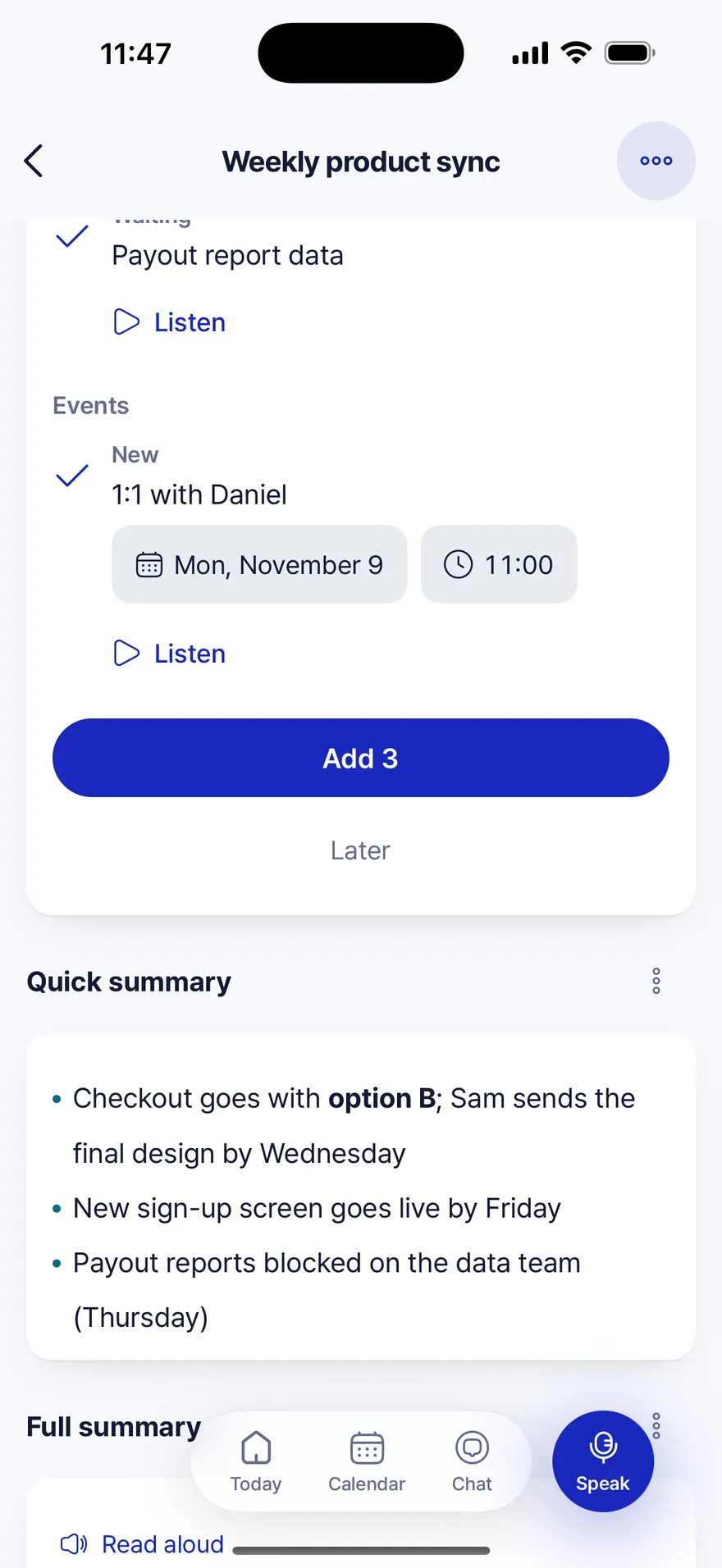
Tap Meeting and talk, and when you stop, the note arrives with a summary, decisions and action items.
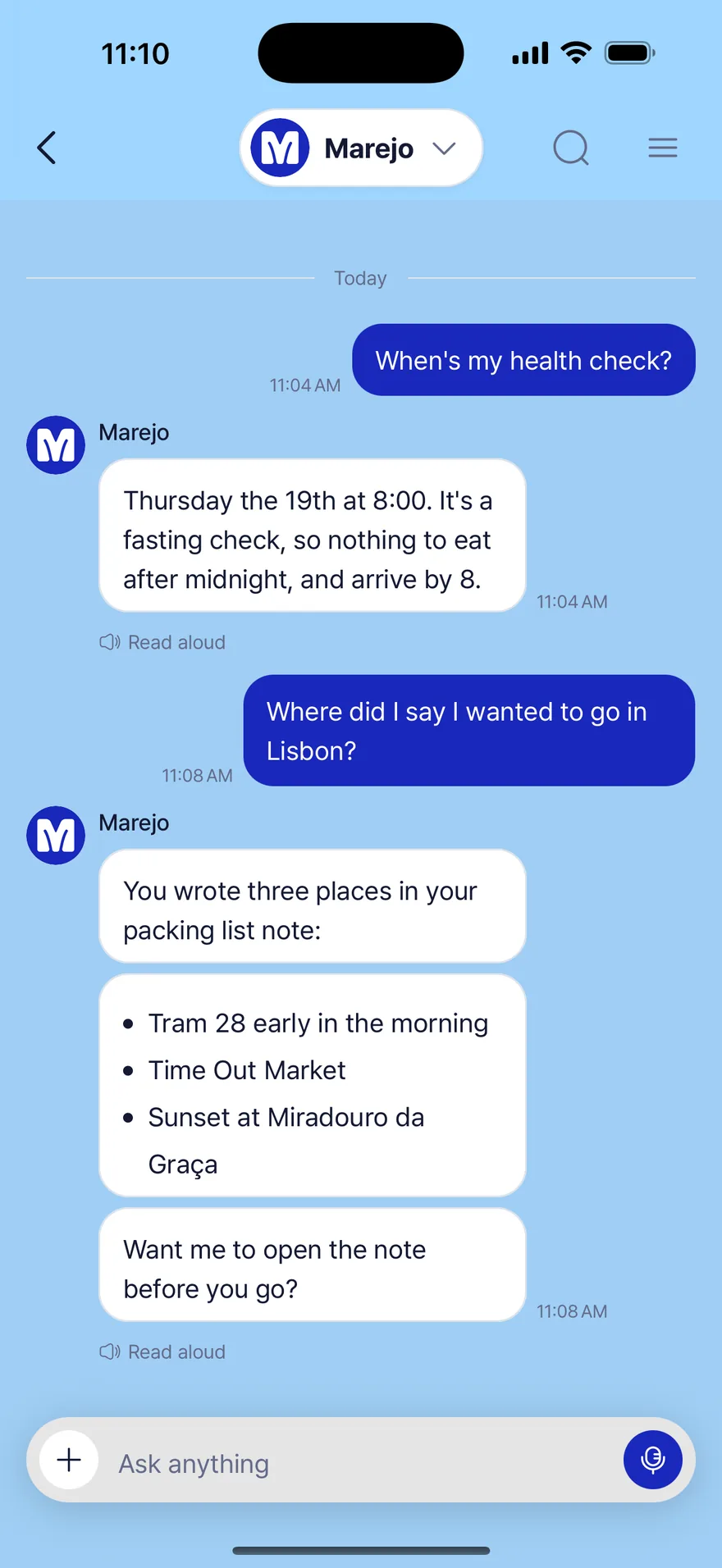
Ask “where did I want to go in Lisbon?” and Marejo searches your notes, diary, calendar and meetings for the answer.
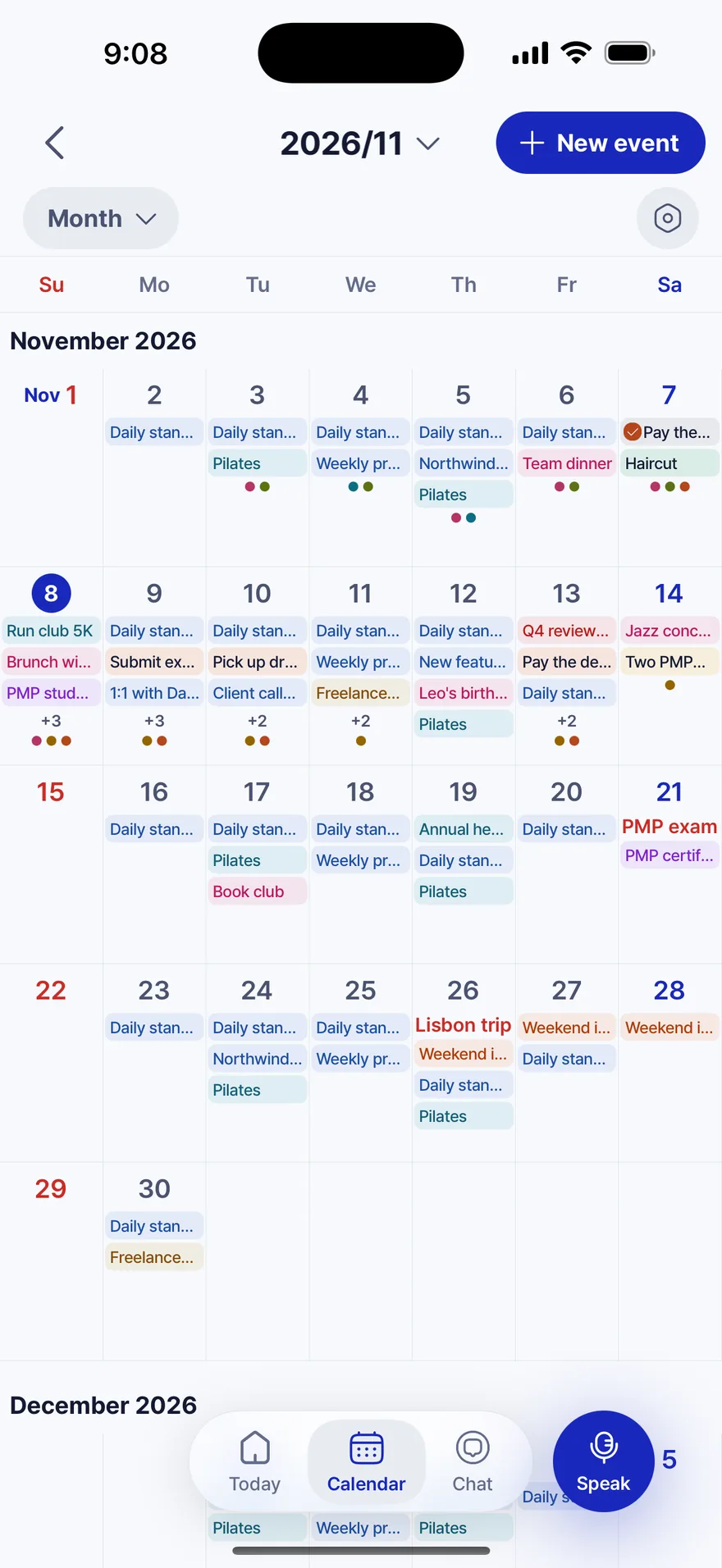
Add Thursday's client call on your phone and it's on your web calendar too.
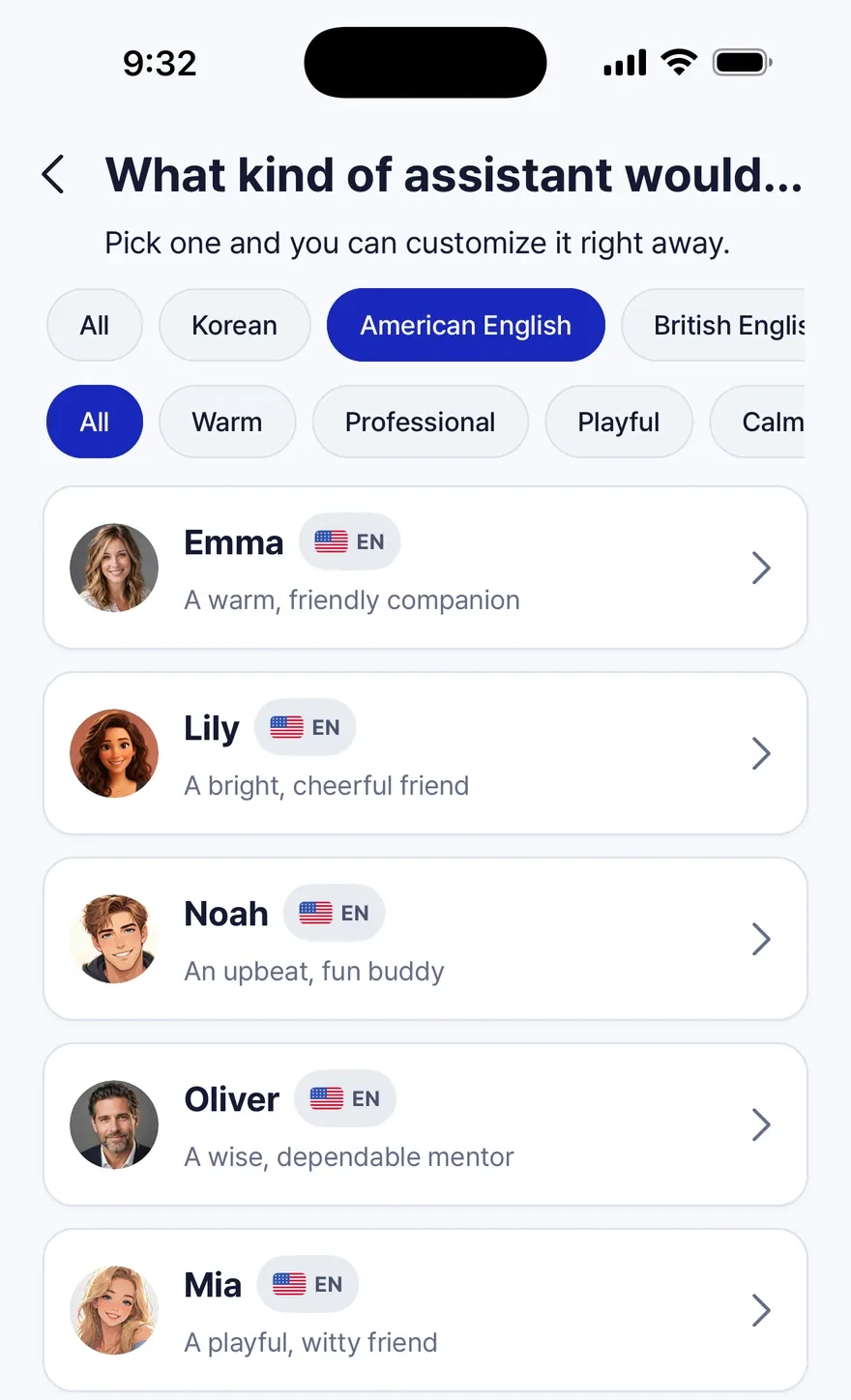
Choose what it calls you too, and it goes by Marejo until you rename it.
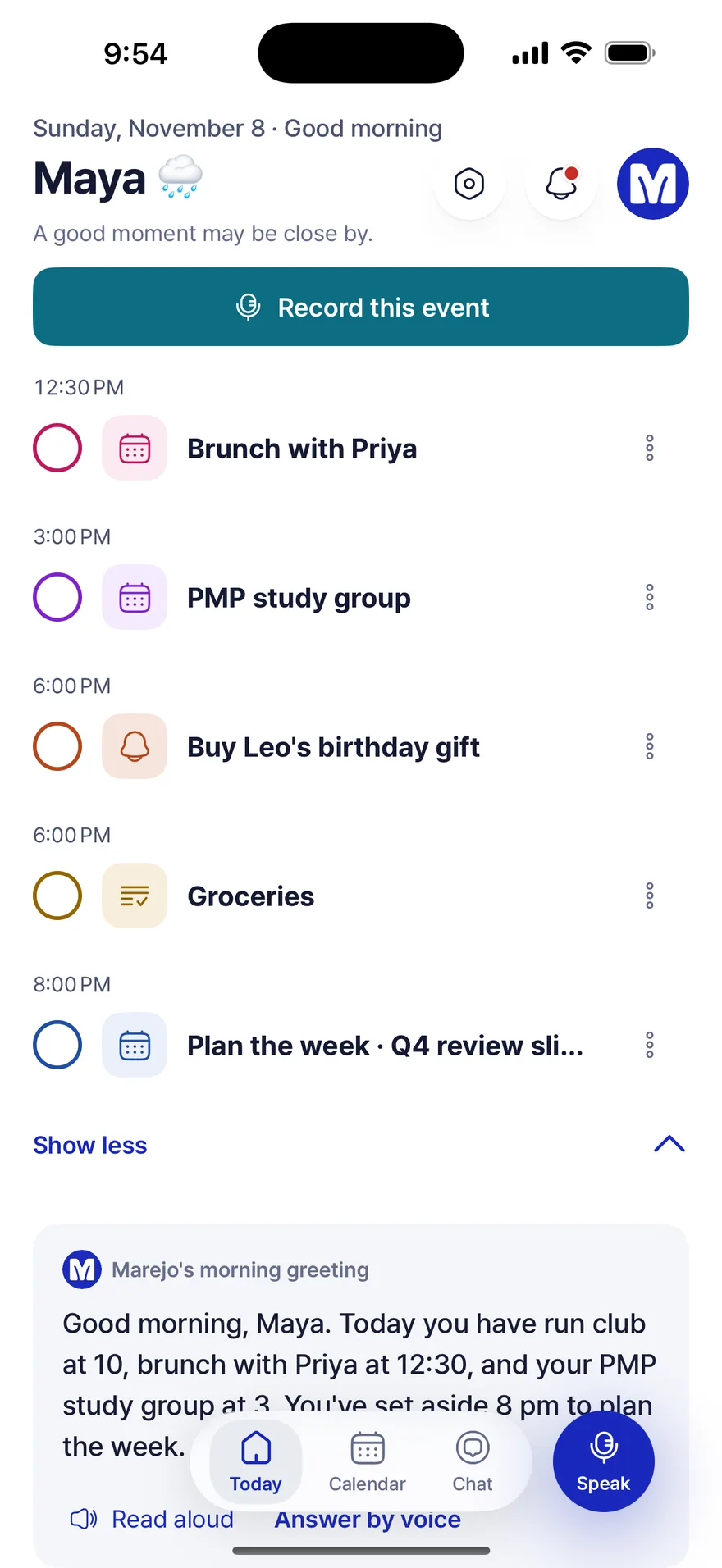
Open the app and today's plans, your D-days and the weather are already there.
Sign in on the web with the same account and your whole planner is there on a big screen.
“With Marejo, I just say it and it's there. I don't have to go back and forth between apps, and that's what I like best.”
“On trips I take a hundred photos, and a month later I can't even remember where I ate. With Marejo, I just say a sentence while walking and it becomes my diary.”
“After a hospital visit I always dropped something. Now I say it the moment it crosses my mind, and Marejo tells me when it's time. Small things, but my days feel so much lighter.”

Get the app, or open Marejo on the web.